
91%↓11
Aimlabs2023 · Statespace
- Экшены
- Приключения
Бесплатно Нет отзывов
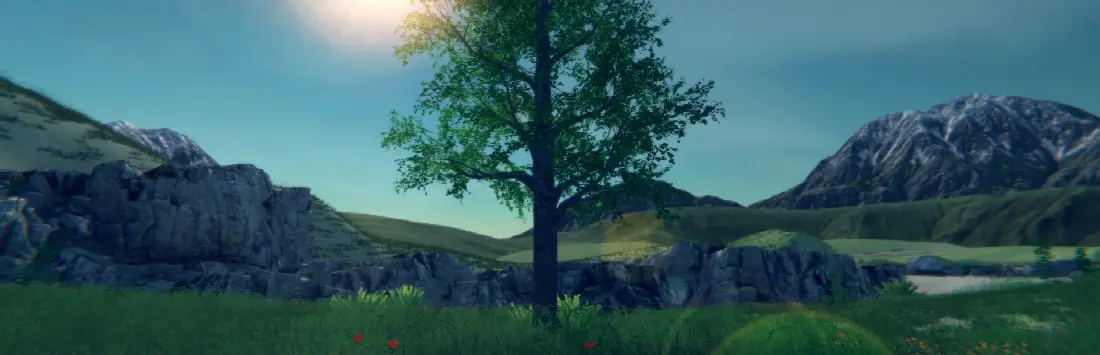

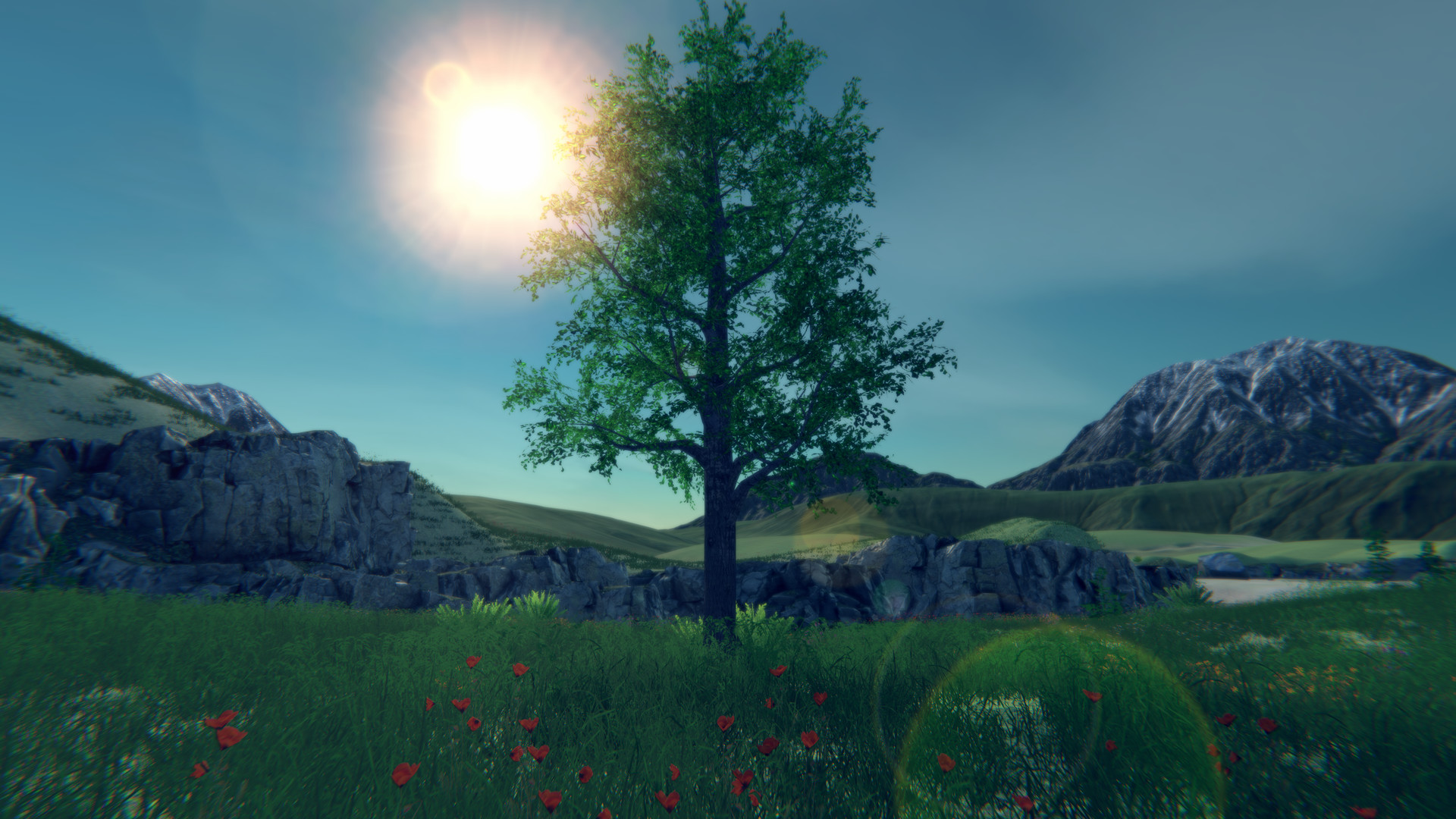
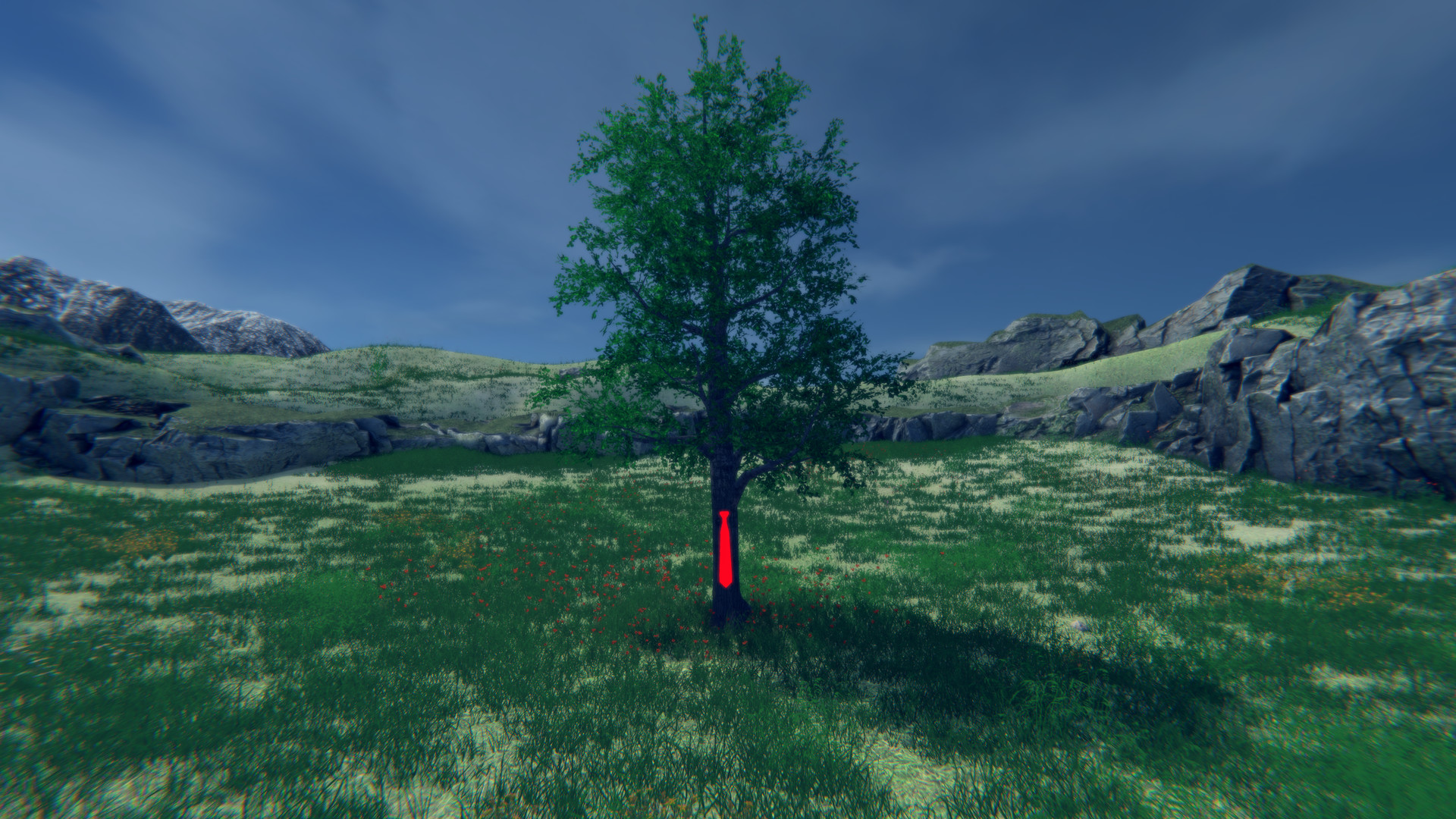
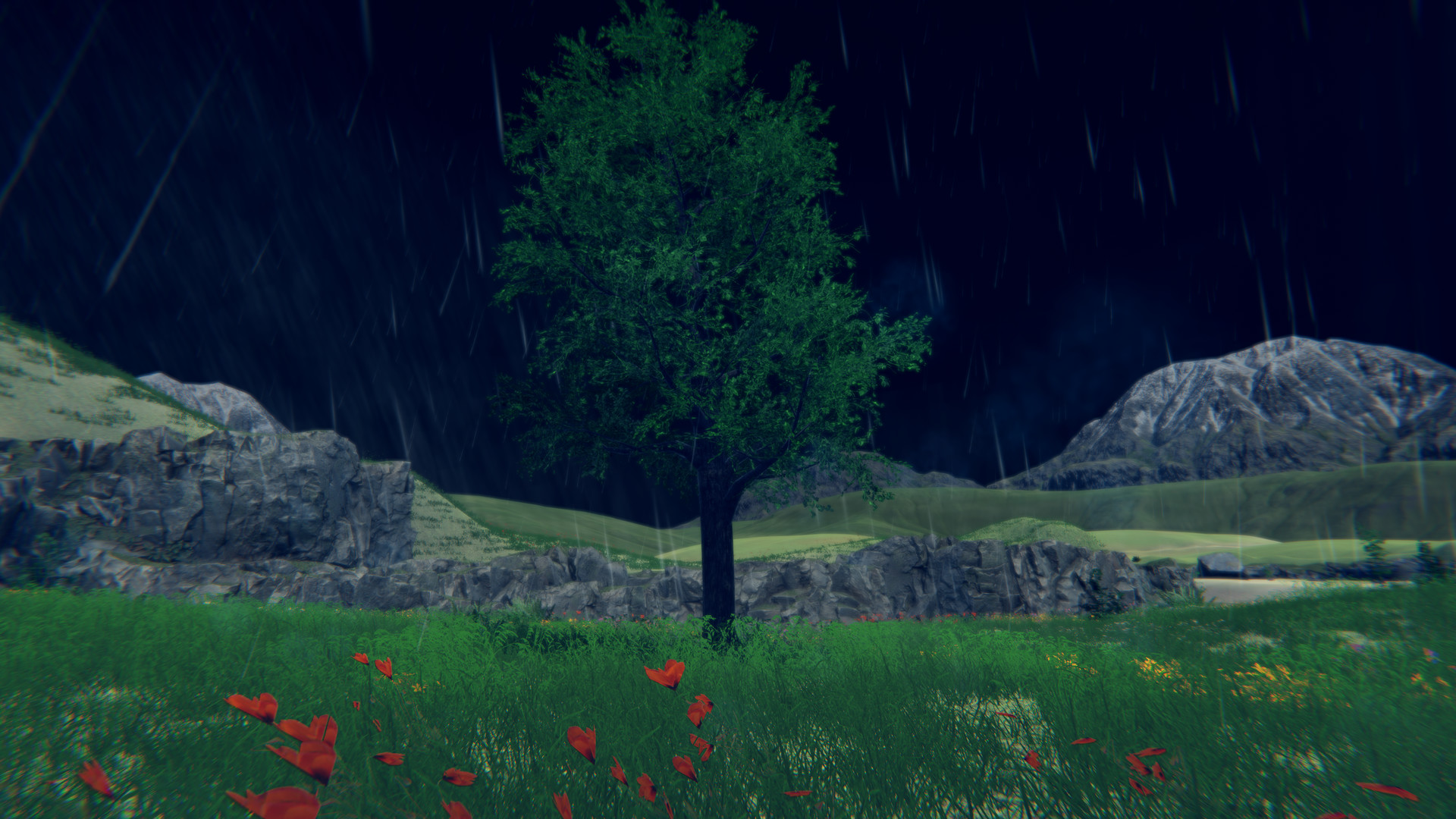
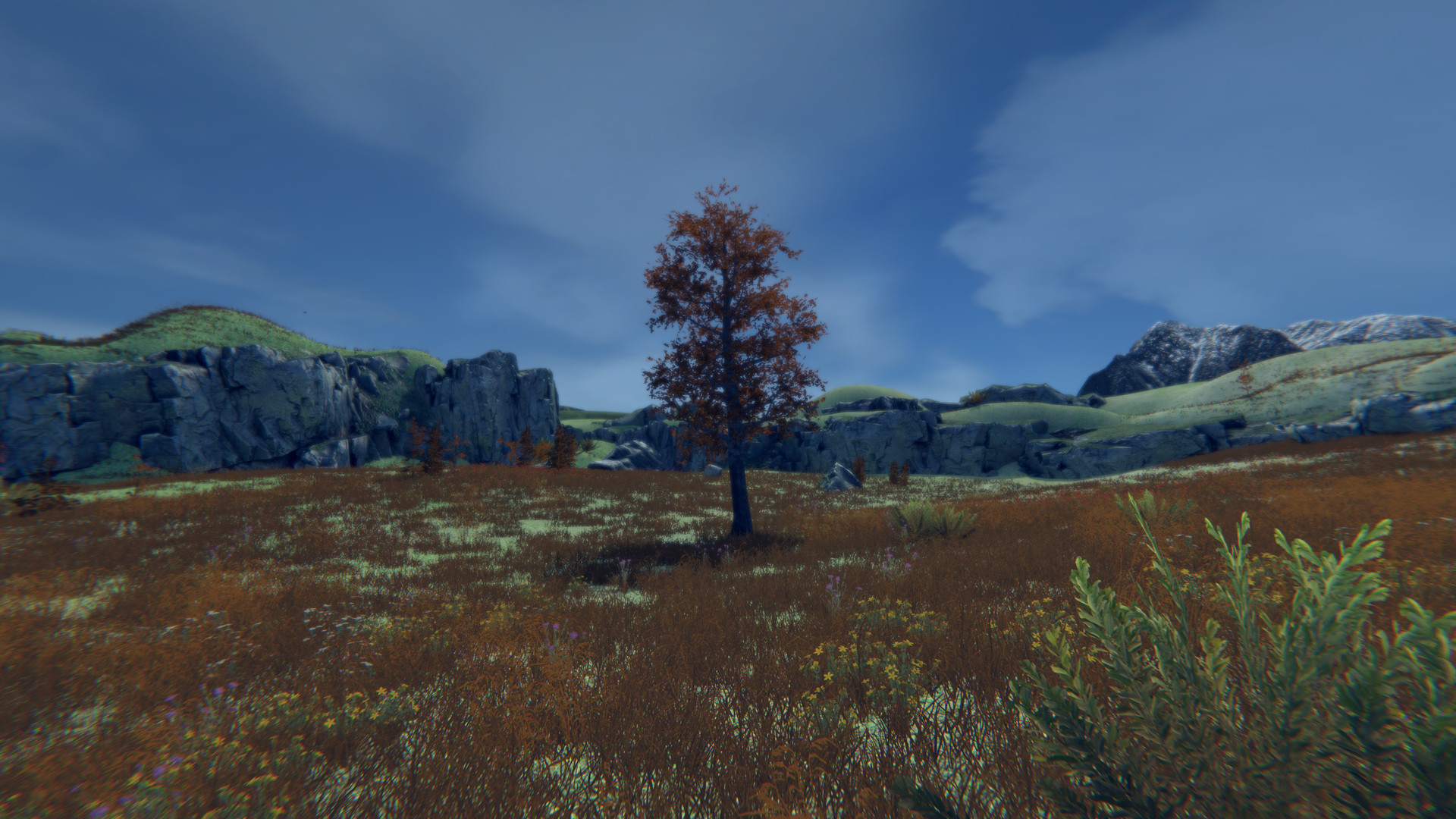
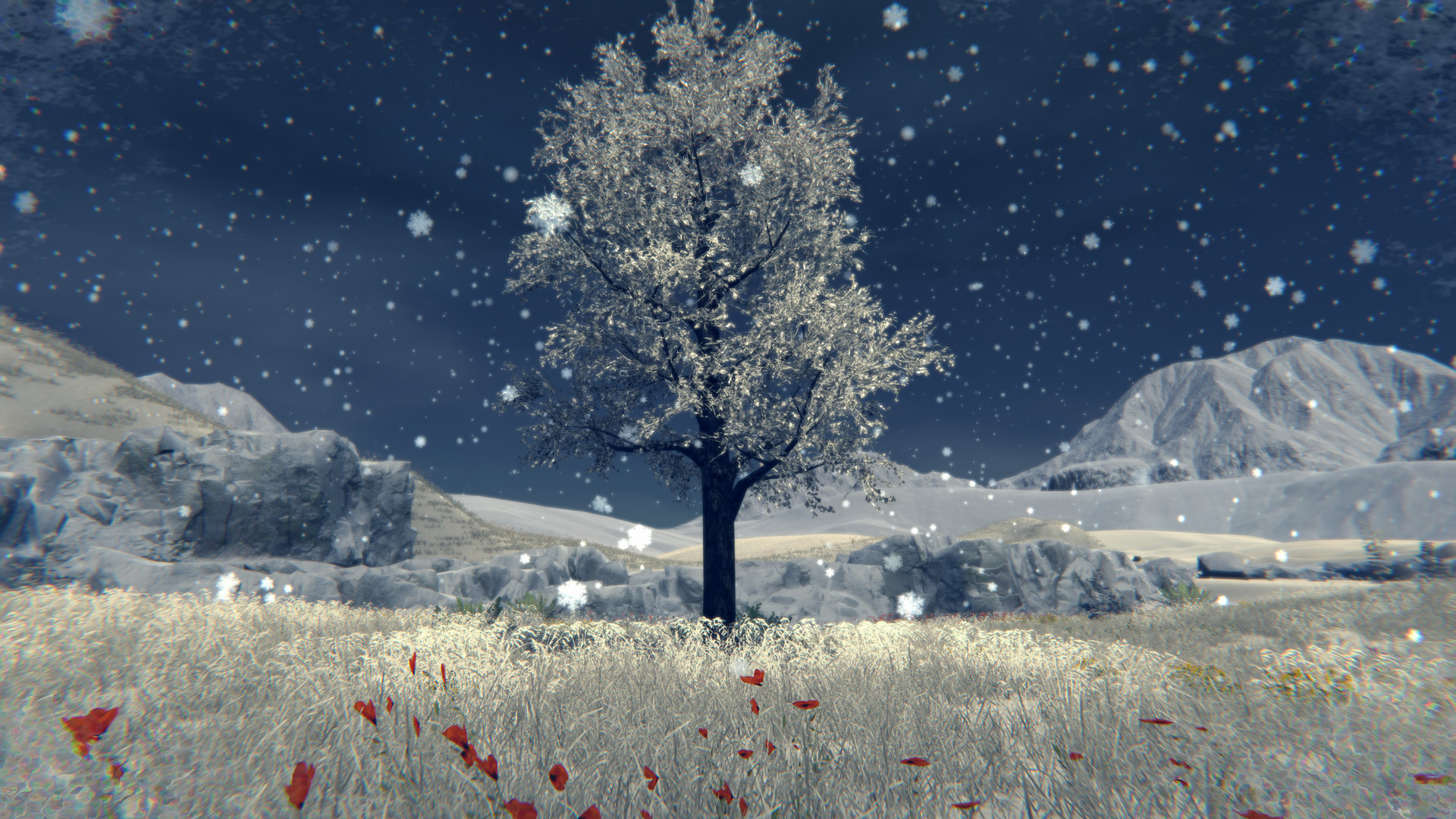
It's exactly what it sounds like! Have you ever wanted to be a tree? Do you like odd numbers? How about multiplayer, weather, seasons and more!? Well then this is the game for you! Come on down to a place where you will never want to leaf. Relax and be the best tree you can be. 1-250 players.
За 1 день наблюдений цена не менялась. Большие скидки обычно бывают на сезонных распродажах Steam.













Картинка обновляется сама: покажет живой рейтинг игры на сегодня и ведёт на эту страницу.

It's that time! Its time to discover what it means to be a tree! Become a true work of art!
Every frame a painting, every tree an original masterpiece.
Be a tree alone or with friends online!
A lot went into 2023 so here is a breakdown of some of the features.Features
• Be a tree
• 3rd "person" camera
• Stretch your roots and move around.
• More cosmetic items similar to the "Red tie"
• Small handcrafted map now with a new area
• Select from 31 trees
• Many configurable tree settings
• Customizable weather system (Rain, Snow, Wind, Fog, Overcast)
• Day night cycle
• Seasons (As the seasons change, the trees appearance, weather, and environment will change)
• Save settings
• Multiplayer
• Server admin support
• Server browser that helps you easily connect with other players
• Private game support
• Password required servers (optional)
• Built in text based chat
• Halloween mode
• Christmas mode
• Ultra-wide monitor support
• Windowed support (a little wonky)
• Wallpaper engine support
• Xbox Controller support
• PS4 Controller Support
Multiplayer
Be the best forest you can be! Invite up to 250 glorious trees to join your forest. You can host a server and set the amount of trees that can join along with passwords and making the lobby private. Servers that are public will appear in a lobby list when trees click "Join". If a server is private you will only be able to join if that person is on your friends list or by invite.
For transparency, multiplayer is tested with 4 trees, but it should support up to 250.
There is no built-in voice chat. It is recommended that Discord or Steam chat be used.
You can join a game in various ways:Host a game
• Host tree clicks "Host"
• Host tree configures various desired settings or leaves them as default (Server name, private, password required)
• Host tree clicks "Confirm"
Join a game from the menu
• Tree clicks "Join"
• Tree observes desired lobby in the list
• Tree clicks "Connect" on desired lobby
Join a game from an invite
• Host tree presses [Esc] on the keyboard
• Host tree clicks "Invite"
• Host tree uses invite dialog to invite other trees
• Other trees start Tree Simulator 2023
• Other trees press [Shift]+[Tab] to activate the Steam overlay
• Other trees click "Play Game" in the Steam chat window
Join a game from your friends list
• Tree observes friend tree playing Tree Simulator 2023
• Tree immediately tells everyone they know
• Tree starts Tree Simulator 2023
• Tree presses [Shift]+[Tab] to activate the Steam overlay
• Tree clicks "Join game" in the Steam overlay from their friends name